What Is a YTYP File? GTA V Prop Archetypes Explained
You will know what each archetype field does, how FiveM loads a .ytyp, and what to check when a custom prop streams but never appears.
A YTYP file (.ytyp) is a GTA V archetype file: it tells the game what each model is. Every archetype inside it gives one model its name, how far away it is drawn, its bounding box and sphere, its flags, and which texture and collision data it uses. The model itself lives in a .ydr (or a .yft or .ydd); the .ytyp only describes it.
In FiveM you load a .ytyp with a data_file 'DLC_ITYP_REQUEST' line in fxmanifest.lua. Without that line, a custom prop's model still streams, but no archetype registers its name, so the prop can't be spawned. The values and examples below come from the .ytyp files our Prop Creator writes when it turns a 3D model into a FiveM prop resource. For the whole workflow, see how to add custom props to FiveM.
What a YTYP file does
GTA V keeps a model apart from its definition. Three file types work together for a prop:
| File | Role |
|---|---|
.ydr | The model: mesh and shaders, optionally with embedded textures and collision. |
.ytd | A texture dictionary, for textures kept outside the model. |
.ytyp | Archetypes: one definition per model, looked up by name. |
Names inside a .ytyp are not stored as text. Each one is saved as a 32-bit hash of the lowercased name (the Jenkins one-at-a-time hash, or joaat), the same number GetHashKey returns in a script. The game matches everything through these hashes: the name you spawn has to match an archetype's name, and that archetype's assetName has to match the .ydr file name.
The file itself is a compressed binary RSC7 resource. Inside is a CMapTypes structure holding a list of CBaseArchetypeDef entries, plus extension, dependency and composite entity lists that the Prop Creator leaves empty. Two larger archetype types exist for special cases: CMloArchetypeDef for MLO interiors, which adds rooms, portals and entity sets, and CTimeArchetypeDef for models that only show at certain hours.
Not every model needs a .ytyp. Props and other map objects get their archetypes from .ytyp files, and so do MLO interiors. Vehicles, peds and weapons are registered in .meta files instead (vehicles.meta, peds.meta and weaponarchetypes.meta), so a custom FiveM ped or an add-on weapon needs no .ytyp.
The fields in a GTA V archetype
Each CBaseArchetypeDef is a 144-byte record. These are its fields and what the Prop Creator writes into each one:
| Field | What it means | Prop Creator value |
|---|---|---|
name | The model name you spawn, stored as a hash. | The spawn name |
lodDist | How far away the model is drawn, in meters. | Culling distance: 10 to 9,998, default 500 |
flags | Option bits, added together. | 32 (static) or 131072 (dynamic), plus 65536 for double-sided rendering |
specialAttribute | A special-behavior number. | 0 |
bbMin, bbMax | Opposite corners of the box around the model, relative to its origin. | Measured from the final mesh |
bsCentre, bsRadius | Center and radius of a sphere around the model. | The box center, and the distance from it to the farthest vertex |
hdTextureDist | Distance for high-detail textures, in meters. | HD texture distance: 1 to 500, default 15 |
textureDictionary | The texture dictionary the model uses. | The spawn name (the textures sit inside the .ydr) |
clipDictionary | Animation clips, for animated models. | Empty |
drawableDictionary | The .ydd that holds the model, if there is one. | Empty |
physicsDictionary | The collision data the model uses. | The spawn name, or empty when Collision is None |
assetType | What kind of file holds the model. | ASSET_TYPE_DRAWABLE (a single .ydr) |
assetName | The model file to load. | The spawn name, matching the .ydr |
extensions | Optional extras attached to the model, such as lights or particle effects. | Empty |
The flags come from your prop's settings and materials. They add up, so a dynamic, double-sided prop has 196608:
32marks a static prop.131072marks a dynamic prop. It replaces 32 when Dynamic prop (physics object) is turned on.65536turns on double-sided rendering. It is added when a material in your model is double-sided (glTF files can mark materials this way). A .ydr stores no setting for drawing the back of a face, so without this flag the game hides the back of every face. With it, both sides are drawn without duplicating any faces.
Because a Prop Creator prop has a single detail level, its lodDist is the distance at which it stops being drawn. Other archetypes use other asset types, such as ASSET_TYPE_FRAGMENT for a model in a .yft (the format of vehicles and breakable objects) or ASSET_TYPE_DRAWABLEDICTIONARY for one in a .ydd.
Import a 3D model and get its .ydr, a matching .ytyp and a ready fxmanifest.lua in one FiveM resource.
A real YTYP example from a prop pack
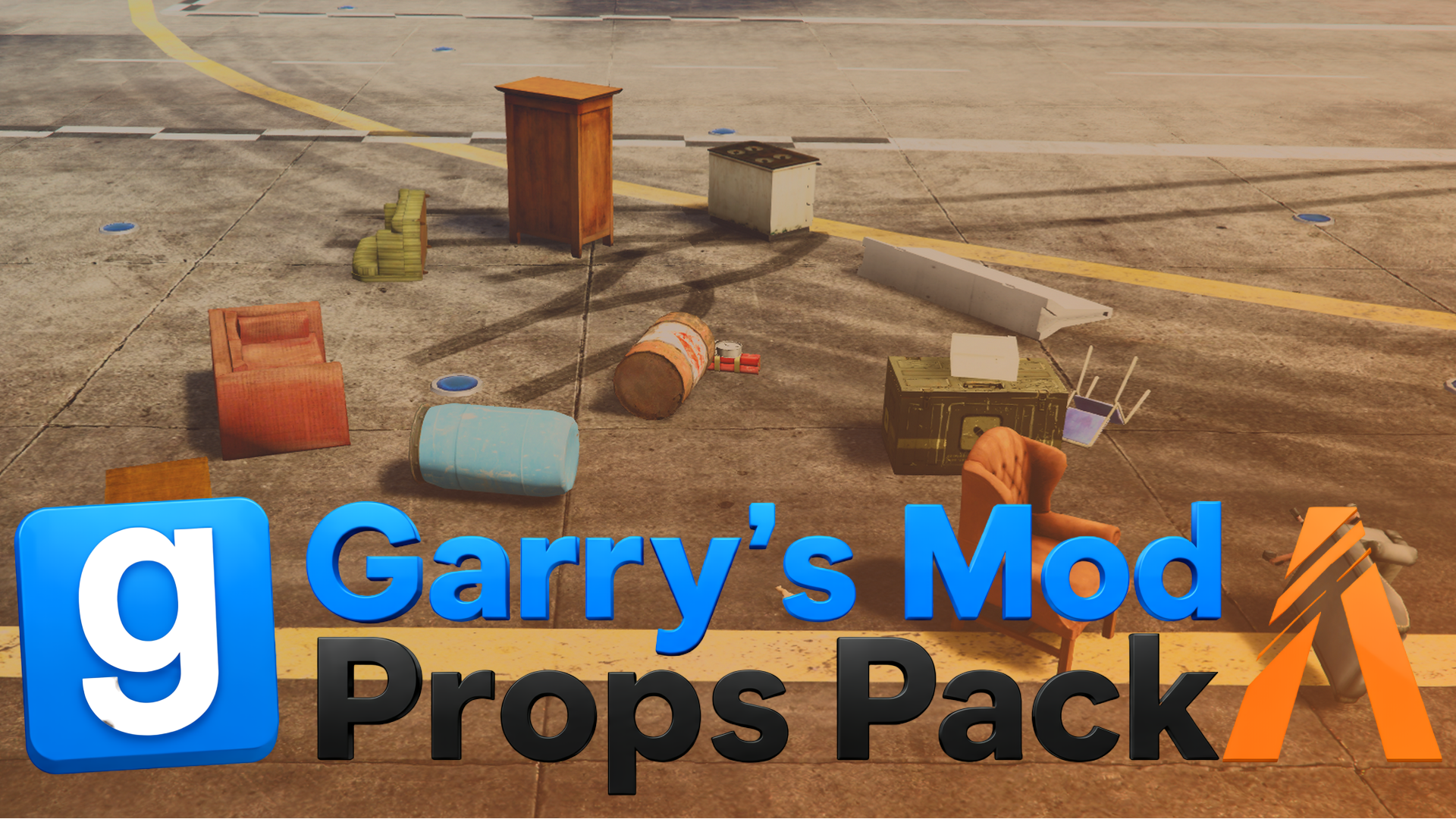
The pack's gmod-props.ytyp holds more than 670 archetypes. This is the one for gmod_props_c17_oildrum001, an oil drum, read straight from the file and rounded to three decimals:
| Field | Value |
|---|---|
name, assetName, textureDictionary, physicsDictionary | gmod_props_c17_oildrum001, stored as the hash 1862022741 |
lodDist | 500 |
hdTextureDist | 15 |
flags | 196608 |
bbMin | -0.368, -0.368, 0 |
bbMax | 0.368, 0.368, 1.143 |
bsCentre | 0, 0, 0.572 |
bsRadius | 0.673 |
assetType | ASSET_TYPE_DRAWABLE |
What these numbers tell you:
- Flags 196608 is 131072 + 65536: the pack was exported as dynamic physics props with double-sided rendering, and every archetype in the file has the same value.
- The box runs from 0 to 1.143 on Z, so the drum is 0.74 m wide and 1.14 m tall with its origin at the bottom. Created at ground height, it stands on the ground. A box that runs from a negative to a positive Z, such as -0.5 to 0.5, means the origin is in the middle, so a prop created exactly at ground height is half buried.
- The sphere is centered on the box, but its radius (0.673) is smaller than half the box's diagonal (0.773). A round drum doesn't fill the corners of its box, and the radius only reaches the farthest vertex.
- The hash:
GetHashKey('gmod_props_c17_oildrum001')returns 1862022741, the number in the name field. That number is how a script finds the archetype.
Archetypes take little space: a Prop Creator .ytyp with one prop is about 500 bytes, and this one, with more than 670 archetypes, is about 34 KB.
How FiveM loads a YTYP: DLC_ITYP_REQUEST
FiveM streams every file in a resource's stream folder, but a .ytyp also needs a data_file line before the game registers its archetypes. This is the full fxmanifest.lua the Prop Creator writes for a resource called casino-props with two props:
fx_version 'cerulean'
game 'gta5'

author 'TeK - FiveM-Tools.com'
description 'Custom props - casino-props (generated by fivem-tools.com)'

this_is_a_map 'yes'

data_file 'DLC_ITYP_REQUEST' 'stream/casino-props.ytyp'

client_script 'cleanup.lua'

-- props: casino_chair, casino_table
data_file 'DLC_ITYP_REQUEST'adds the .ytyp to the game's extra content system. FiveM's data file reference lists this type as the equivalent of the game'sPERMANENT_ITYP_FILE. Without the line, the .ydr streams but no archetype points to it, so the game has no model by that name to load andCreateObjecthas nothing to spawn.- The path starts at the resource folder. Keep it in sync with the .ytyp's folder and file name, and add one line for each .ytyp in the resource.
this_is_a_map 'yes'marks the resource as a GTA map and makes FiveM reload the map storage when the resource loads.
The rest of the file is a normal resource manifest, which our fxmanifest.lua guide explains line by line.
FiveM props not spawning? Check the YTYP first
When a custom prop streams but never appears, work through this list in order:
- The resource is running. It is in
server.cfgwithensure, and the server console shows no error when it starts. - The .ytyp is declared. The manifest has a
DLC_ITYP_REQUESTline whose path matches the .ytyp's folder and file name. - The names match. You spawn the archetype's exact name (case doesn't matter, typos do), and its
assetNamematches a streamed .ydr. - The script waits for the model. Call
RequestModeland wait forHasModelLoadedbeforeCreateObject. - The name is unique. No other resource and none of the game's own props use the same archetype name. You can check the game's prop names in the GTA 5 prop list.
- It spawned but you can't see it. Check that you are within its
lodDistand not looking at the back of single-sided faces. For a prop with a separate .ytd, also check that the .ytd is streamed and that its name matchestextureDictionary.
Our custom props tutorial includes a test command that loads a model with a time limit and tells you when it can't.
How to make a YTYP file: generators and editors
- Prop Creator. When you export props from a 3D model, it writes the .ydr files, the .ytyp and the manifest together, with bounds measured from the final mesh and names that always match.
- CodeWalker. Opens and edits .ytyp files, so you can add or change archetypes for .ydr files you already have.
- Blender with Sollumz. Creates archetypes alongside the models you export from Blender.
- Standalone generators. GTAUtil's
genpropdefscommand builds archetype entries from a folder of .ydr files, and small desktop tools such as mmYtypTool create and edit .ytyp files.
The Prop Creator only builds archetypes for models you import into it; it does not read existing .ydr files. To see where the .ytyp sits among the other formats, read our GTA V file formats guide.
Frequently asked questions
Does DLC_ITYP_REQUEST still work in current FiveM?
Yes. DLC_ITYP_REQUEST is still a documented data file type, and Prop Creator exports use it in an fxmanifest.lua with fx_version 'cerulean'. The main change since the 2017 guides is the manifest file: __resource.lua was replaced by fxmanifest.lua, but the data_file line is written the same way.
Do I need one YTYP file per prop?
No. One .ytyp can hold many archetypes, one per model. A Prop Creator export always has a single .ytyp with one archetype for each prop, so even a 50-prop resource needs only one DLC_ITYP_REQUEST line.
What is the difference between a YTYP and a YMAP?
A .ytyp defines models: it says what a prop is. A .ymap places entities in the world, each pointing to an archetype by name with a position and rotation. You need the .ytyp to spawn a custom prop at all, and a .ymap only if you want it placed on the map permanently.
Can I change a prop's draw distance after export?
Yes. The draw distance is the archetype's lodDist field. Edit it in CodeWalker, or change Culling distance in the Prop Creator and export again, which replaces that project's previous export.
How do I open a YTYP file?
Use CodeWalker, which shows and edits the archetypes inside. A text editor shows only unreadable bytes, because a .ytyp is a compressed binary file, but CodeWalker can export it to XML that you can edit as text and then import back.
Try the Prop Creator
Turn any 3D model into a spawnable GTA V prop. Collision, embedded textures and draw distance handled, packaged as a drop-in FiveM resource. Free every day, unlimited for Supporters.
Open the Prop Creator