Mixamo to FiveM: Turn a Mixamo Character Into a Ped
You will turn a Mixamo character into a FiveM add-on ped that moves with GTA V animations, and know exactly which Mixamo bone drives which GTA bone.
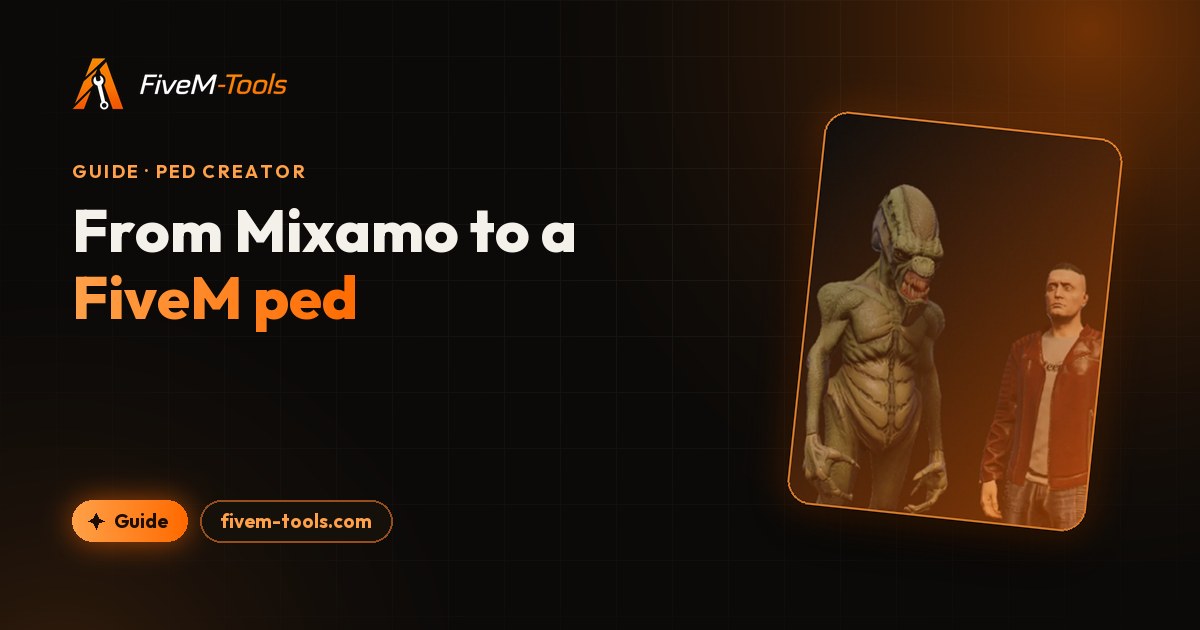
To get a character from Mixamo to FiveM, you download it as an FBX with skin, map its Mixamo bones onto the GTA V ped skeleton, and export it as an add-on ped. Mixamo bone names are matched automatically, so most of the work is in the download settings and in checking the result. This guide covers both, plus fixes for the usual Mixamo problems.
You need a free Adobe account for Mixamo, a Discord account for the Ped Creator (in beta), and access to your server's resources folder. Blender is not needed. If you have never added a ped to a server, the custom FiveM ped guide explains every file the export contains.
Download the right FBX from Mixamo
Mixamo gives you two ways in: pick a character from its library, or upload your own humanoid model and let Mixamo's auto-rigger build the skeleton. For the auto-rigger you place markers on the chin, wrists, elbows, knees and groin, and choose how detailed the skeleton is. Pick an option with finger bones if you want the hands to bend in GTA.
Mixamo's auto-rigger is made for humanoids. For a dog, cat or deer, use GTA's own animal skeletons instead, as the FiveM animal ped guide shows.
Then download the character with these settings:
| Setting | Choose | Why |
|---|---|---|
| Format | FBX Binary (.fbx) | The Ped Creator reads .fbx, and only a binary FBX can be split when it is over the 100 MB upload limit. |
| Skin | With Skin | Without skin the file holds a skeleton and no mesh, so there is nothing to turn into a ped. |
| Pose | T-pose, no animation | GTA's clips drive the ped, so animations in the file are ignored. The editor converts the pose the file loads in, so give it the T-pose. |
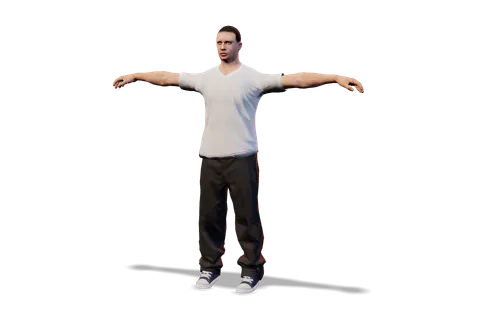
How Mixamo bones map to the GTA 5 ped skeleton
GTA V's human peds share the same core bones, and GTA's animations are made for them. An add-on ped has to use them too, so the Ped Creator builds every human ped on GTA's 98-bone ped skeleton. It keeps your character's mesh and skin weights and moves them onto the matching GTA bones.
When at least 10 bone names in the file match Mixamo's names, the editor maps the skeleton by name. It first drops everything up to the last colon, so mixamorig:LeftArm reads as LeftArm, whatever the prefix. Other rigs go through a general matcher that reads words such as "thigh" or "forearm" and follows the bone hierarchy.
| Mixamo bone | GTA V bone |
|---|---|
Hips | SKEL_Pelvis |
Spine, Spine1, Spine2 | SKEL_Spine1, SKEL_Spine2, SKEL_Spine3 |
Neck | SKEL_Neck_1 |
Head | SKEL_Head |
LeftEye | FB_L_Eye_000 |
LeftShoulder | SKEL_L_Clavicle |
LeftArm | SKEL_L_UpperArm |
LeftForeArm | SKEL_L_Forearm |
LeftHand | SKEL_L_Hand |
LeftHandThumb1 to 3 | SKEL_L_Finger00 to 02 |
LeftHandIndex1 to 3 | SKEL_L_Finger10 to 12 |
LeftHandMiddle1 to 3 | SKEL_L_Finger20 to 22 |
LeftHandRing1 to 3 | SKEL_L_Finger30 to 32 |
LeftHandPinky1 to 3 | SKEL_L_Finger40 to 42 |
LeftUpLeg | SKEL_L_Thigh |
LeftLeg | SKEL_L_Calf |
LeftFoot | SKEL_L_Foot |
LeftToeBase | SKEL_L_Toe0 |
The right side mirrors the left: RightForeArm drives SKEL_R_Forearm, RightHandIndex2 drives SKEL_R_Finger11, and so on. Eye bones named Leye or L_Eye are matched too.
- GTA's
SKEL_Spine_RootandSKEL_Spine0have no Mixamo partner. They are left out of the Bones panel, so they never show as missing. - Mixamo's end bones are not used:
HeadTop_End,LeftToe_Endand the fourth bone of each finger, such asLeftHandIndex4. - The Bones panel lists the 54 GTA bones that can take a source bone. A Mixamo rig with fingers fills 52 of them, and all 54 when it has eye bones.
- The other 44 bones of the skeleton (the root, those two spine bones, roll, IK and helper bones, and the face) keep their GTA place.
Mixamo to FiveM, step by step
- Import the FBX. Sign in with Discord, open the Ped Creator and drop the FBX, plus any texture images that came with it, on Drop your character or animal here. A rigged character standing upright imports straight away, without the Human or animal? question.
- Check the bone mapping. The Bones panel should read "52 of 54 GTA bones mapped" for a Mixamo rig with fingers. Click a row to find that bone on the model, or use its dropdown to pick another source bone; the reset button on a row you changed goes back to the automatic mapping. Rows marked Needed must have a source bone before the ped can export: the pelvis, thighs, calves and feet, plus the head or the neck.
- Pick the proportions. Keep the default, Character proportions with T-pose shoulders, unless the ped should move exactly like a vanilla one (see the next section). Leave Scale to GTA hip height on.
- Play GTA clips. Run Walk (addon default), Sprint, Punch and Pistol aim, and turn on the reference ped (Stock GTA ped next to yours) to compare. A bad fit shows first at the shoulders, elbows and wrists.
- Clear the Health panel. Errors block the export; notes don't. A rig without eye bones gets a note that the eyes are not mapped and keep their GTA place, which is fine.
- Name and export. Set a model name GTA doesn't already use (the GTA V ped list has the stock names), check the materials, then click Export.
Drop your Mixamo FBX, check the bone mapping and watch it play GTA V clips before you export. One free export every day.
Character proportions or exact GTA proportions
Mixamo characters are often stylized: big heads, long arms, short legs. The Proportions panel decides if your ped keeps that shape or takes GTA's:
- Character proportions with T-pose shoulders (the default, and the one the editor recommends) keeps the character's own bone lengths and its own shoulder pose, so the arms keep their shape.
- Character proportions keeps the bone lengths but poses the arms down into the GTA rest pose.
- Exact GTA proportions fits the mesh onto the stock GTA skeleton, so the ped moves and ragdolls exactly like a vanilla ped. A character with long arms or short legs is reshaped to GTA's bone lengths, and the Size option is locked.
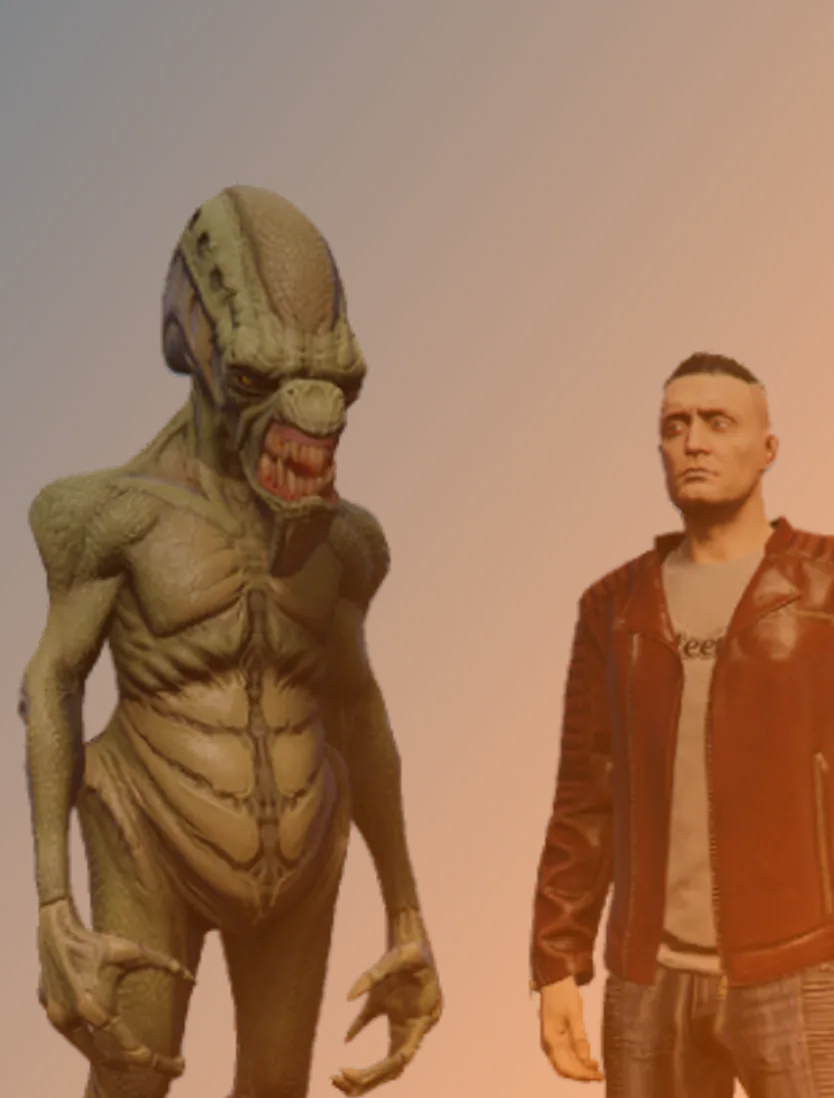
Scale, fingers and facial shapes
Scale
An FBX stores its unit scale, and the editor converts it to meters. Scale to GTA hip height (on by default) then sizes the ped so its hips sit at 0.98 m, the height of a GTA ped's hips. When a model is read under 0.5 m or over 3 m tall, the Health panel says so ("The model is 3.70 m tall as loaded; hip normalize rescales it"), and hip scaling fixes it as long as it stays on.
For a ped that should be bigger or smaller than a person, turn hip scaling off to keep the model's own size, or use Size (%) under Experimental features (1 to 300%). GTA animations are made for human-size peds: giants can lift off the ground when they run or crouch, and small peds move stiffly.
Fingers
A Mixamo finger has three main bones, and so does a GTA finger, so the first three map one to one and the fingers bend with GTA animations. A character rigged without finger bones gets the note "30 finger bones are not mapped and will not bend", and each hand moves as one piece. There are two fixes:
- Rig the character again in Mixamo with a finger option, and download it again.
- Click Auto-rig instead in the Bones panel. This replaces the file's skeleton and skin weights with the Ped Creator's own auto-rig, which also rigs fingers when it can find them. The auto-rig is in beta and can place joints wrong, so check them in the Rig Editor. The Use the file's own rig button in the Rig card brings the Mixamo rig back.
Eyes and blend shapes
Some Mixamo characters have LeftEye and RightEye bones, which map onto GTA's eye bones. Blend shapes (morph targets), such as facial expressions, are dropped: the Health panel notes that the export keeps the base shape only, so the face keeps the shape it has in the file.
Export and install your Mixamo ped
The export is the same as for any other ped: a zip named after your project with a resource folder inside, holding fxmanifest.lua, peds.meta, a README and a stream folder with the ped's .yft, .ydd, .ytd and .ymt files. Copy the folder into resources, add ensure and the folder name to server.cfg, restart, and spawn the ped by its model name. How to make a custom FiveM ped covers each file and a test spawn command.
The ped has one full-detail model and no lower-detail versions. Past about 25 m on foot, GTA swaps it for its generic low-detail stand-in. The Full detail up to (m) setting can push that distance out with a small lod.lua script, but this option is new and not yet tested in game.
These files use the PC Legacy formats (Gen8, RSC7) that classic FiveM servers run. FiveM for GTA V Enhanced loads assets from stream_enhanced instead, and Cfx.re offers a converter called Alchemist. Compatibility of these exports with Enhanced servers has not been verified.
A free account gets one Ped Creator export per day (it resets at midnight UTC), up to 5 peds per pack and textures up to 1024 px, and the export only counts when the zip is built. Supporter is $15 a month for unlimited exports, up to 50 peds per pack and 4096 px textures; compare the Free and Supporter plans.
Fix common Mixamo problems
- Textures are missing, or the ped is one flat color. Textures packed inside the FBX load with it. If the FBX only points to image files, drop those images together with the FBX: the editor matches them by file name, or by the name without its extension. A material left without a diffuse texture exports as a flat color.
- The FBX asks for TGA or PSD textures. Browsers can't read TGA or PSD files, so they are skipped. Convert them to PNG and keep the name:
Body_diffuse.pngthen stands in for theBody_diffuse.tgathe FBX asks for. For a TGA packed inside the FBX, drop the PNG on the material's diffuse slot instead. - The file is over 100 MB. Uploads stop at 100 MB per file. A binary FBX over that has its embedded images moved out into separate project textures; if the model alone is still too big, lower the polygon count. Other formats over 100 MB are refused.
- The mesh is too big for one ped. A ped's mesh must stay under 8 MB, about 99,000 vertices. For a detailed character over that, lower the polygon count in a 3D app and import it again.
- Too many materials or mesh parts. A ped exports with at most 16 materials and 64 mesh parts. The Materials panel warns about extra materials and the export stops on extra parts, so merge some in a 3D app.
- Arms or wrists twist in the clips. Read the fit notes in the Health panel, such as "is twisted N deg from the GTA bone", try the other Character mode, and check that the FBX was downloaded in the T-pose with no animation.
Frequently asked questions
Can you use Mixamo characters in FiveM?
Yes. Download the character from Mixamo as an FBX with skin, in T-pose, and convert it into an add-on ped. Its Mixamo bone names map onto the GTA V ped skeleton automatically, and the result streams like any other add-on ped.
Do Mixamo animations work on a FiveM ped?
Not through this route. The ped moves with GTA V's own animations, played on the GTA skeleton your character is mapped onto, and any animation stored in the FBX is left out of the export. Playing Mixamo motions in GTA is a separate job: they would have to be converted to GTA's own animation format (.ycd clip dictionaries) with other tools.
Why is my Mixamo character too big or too small in GTA?
Often the unit scale saved in the FBX is off, so the model is read at the wrong height. With Scale to GTA hip height left on, the ped is resized to a GTA ped's hip height whatever the file says. Turn it off only when you want a ped that is bigger or smaller than a person on purpose.
Do Mixamo fingers work on a GTA V ped?
Yes, if the character was rigged with finger bones. Each Mixamo finger's first three bones drive GTA's three bones for that finger. Without finger bones the hands stay rigid, unless you switch to the beta auto-rig, which adds fingers when it can find them.
Do I need Blender to convert a Mixamo character to FiveM?
No. The Ped Creator maps the Mixamo bones and builds the .yft, .ydd, .ytd and .ymt files, peds.meta and fxmanifest.lua for you. You only need a 3D app if the character needs a new pose or a lower polygon count.
Try the Ped Creator
Turn any humanoid or four-legged animal, rigged or not, into a streamed GTA V addon ped. Auto-rigged in your browser when it has no skeleton, packaged ready for your server. Free every day, unlimited for Supporters.
Open the Ped Creator