

GTA 5 Arena War Vehicles: Spawn Names & Hashes
All 21 arena war vehicles in the GTA V catalog, each with a screenshot, its spawn name and its hash. Open any of them in the interactive browser for a 3D preview.
Browse by class
All arena war vehicles 1-21 of 21
-
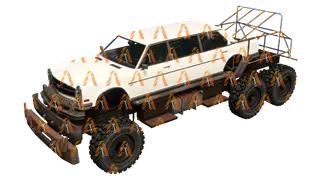
bruiser
-
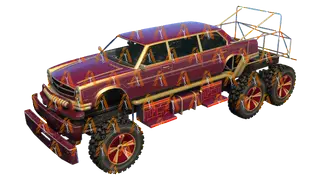
bruiser2
-
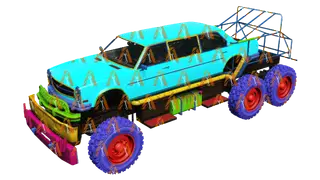
bruiser3
-
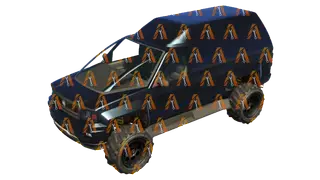
brutus
-
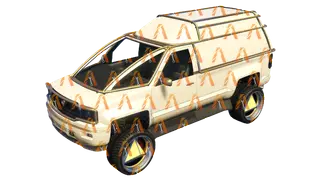
brutus2
-
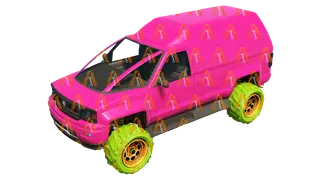
brutus3
-
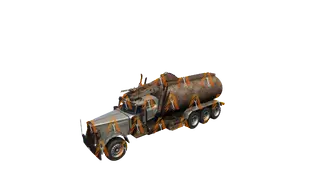
cerberus
-
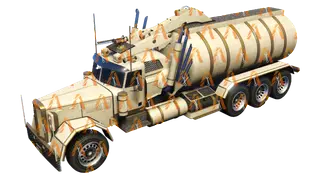
cerberus2
-
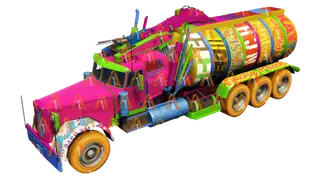
cerberus3
-
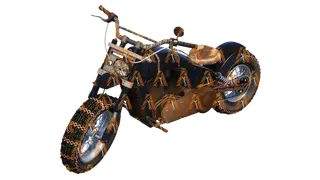
deathbike
-
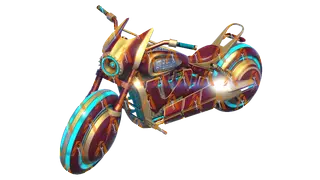
deathbike2
-
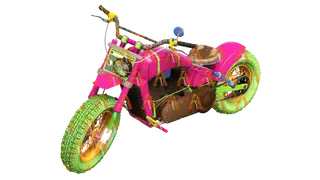
deathbike3
-
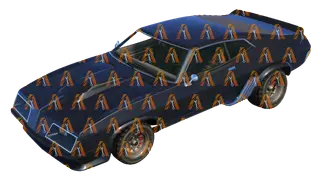
imperator
-
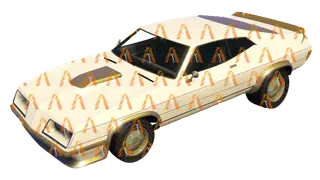
imperator2
-
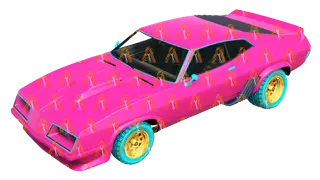
imperator3
-
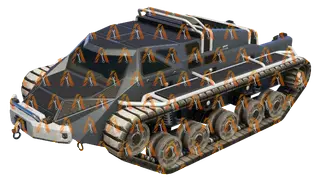
scarab
-
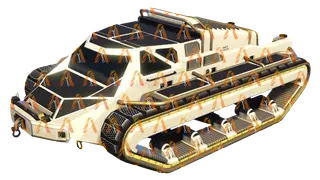
scarab2
-
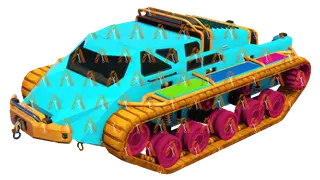
scarab3
-
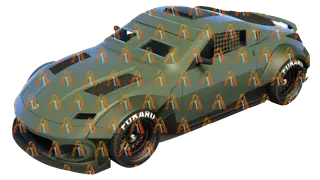
zr380
-
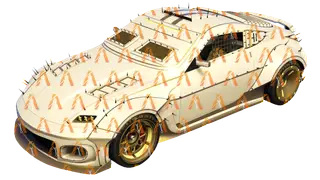
zr3802
-
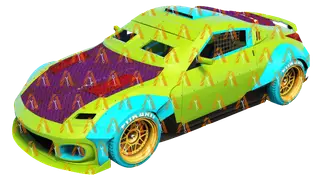
zr3803
Spawning a vehicle in FiveM
Load the model by its spawn name, wait until it is in memory, then create the vehicle and put the player in the driver seat. Run this as a client script.
local model = GetHashKey('adder')

RequestModel(model)
while not HasModelLoaded(model) do
  Wait(0)
end

local ped = PlayerPedId()
local coords = GetEntityCoords(ped)
local vehicle = CreateVehicle(model, coords.x, coords.y, coords.z, GetEntityHeading(ped), true, false)
SetPedIntoVehicle(ped, vehicle, -1)
SetModelAsNoLongerNeeded(model)
Spawn name, display name, hash and handling ID
- Spawn name (or model name): what scripts, admin menus and
/carcommands use, such asadderorpolice3. - Display name: the label players see in game. It can differ from the spawn name.
- Hash:
GetHashKey('spawnname'), a 32-bit number. Scripts accept the name or the hash. The hex value is the same number written as unsigned. - Handling ID: the
handlingNameentry inhandling.metathat the vehicle reads. For 165 vehicles it differs from the spawn name (the ambulance readsAMBULAN), so the cards show it when it differs. Ahandling.metaedit must use that name.
Tune the handling
Want a car to drive differently? The Handling Editor tunes speed, grip, brakes and weight, then exports a handling.meta for your server.
- handling.meta Explained: The GTA V Handling Fields That Matter
- fDriveBiasFront Explained: AWD, FWD and RWD in GTA V
FAQ
How do I spawn a car in FiveM?
Use its spawn name: request the model, wait until it has loaded, then call CreateVehicle, as in the script above. Admin menus and /car commands on most servers take the same spawn name.
Is the spawn name the same as the name shown in game?
Not always. Scripts use the spawn (model) name, such as sultanrs or police3. The name players see in game is a separate display label that can be different.
Why does my handling.meta not change this car?
A vehicle reads the handling entry named by its handlingId in vehicles.meta, and that name can differ from the spawn name. The ambulance reads AMBULAN, for example. Your handling.meta entry must use the handling name.
Previews carry a watermark. Supporters see the original images and can download every pack and 3D model.